| overlayClassName |
string |
|
additional className added to popup overlay |
| trigger |
string | string[] |
['hover'] |
which actions cause tooltip shown. enum of 'hover','click','focus' |
| mouseEnterDelay |
number |
0 |
delay time to show when mouse enter.unit: s. |
| mouseLeaveDelay |
number |
0.1 |
delay time to hide when mouse leave.unit: s. |
| overlayStyle |
Object |
|
additional style of overlay node |
| prefixCls |
String |
rc-tooltip |
prefix class name |
| transitionName |
String|Object |
|
same as https://github.com/react-component/animate |
| onVisibleChange |
Function |
|
call when visible is changed |
| afterVisibleChange |
Function |
|
call after visible is changed |
| visible |
boolean |
|
whether tooltip is visible |
| defaultVisible |
boolean |
|
whether tooltip is visible initially |
| placement |
String |
|
one of ['left','right','top','bottom', 'topLeft', 'topRight', 'bottomLeft', 'bottomRight'] |
| align |
Object: alignConfig of [dom-align](https://github.com/yiminghe/dom-align) |
|
value will be merged into placement's config |
| onPopupAlign |
function(popupDomNode, align) |
|
callback when popup node is aligned |
| overlay |
React.Element | () => React.Element |
|
popup content |
| overlayInnerStyle |
Object |
|
set overlay inner style |
| arrowContent |
React.Node |
null |
arrow content |
| getTooltipContainer |
function |
|
Function returning html node which will act as tooltip container. By default the tooltip attaches to the body. If you want to change the container, simply return a new element. |
| destroyTooltipOnHide |
boolean | { keepParent: boolean } |
false |
whether destroy tooltip when tooltip is hidden.In general, destroyTooltipOnHide will only remove itself instead of parent container of it.Parent container will be removed include tooltip when keepParent is true |
| id |
String |
|
Id which gets attached to the tooltip content. Can be used with aria-describedby to achieve Screenreader-Support. |
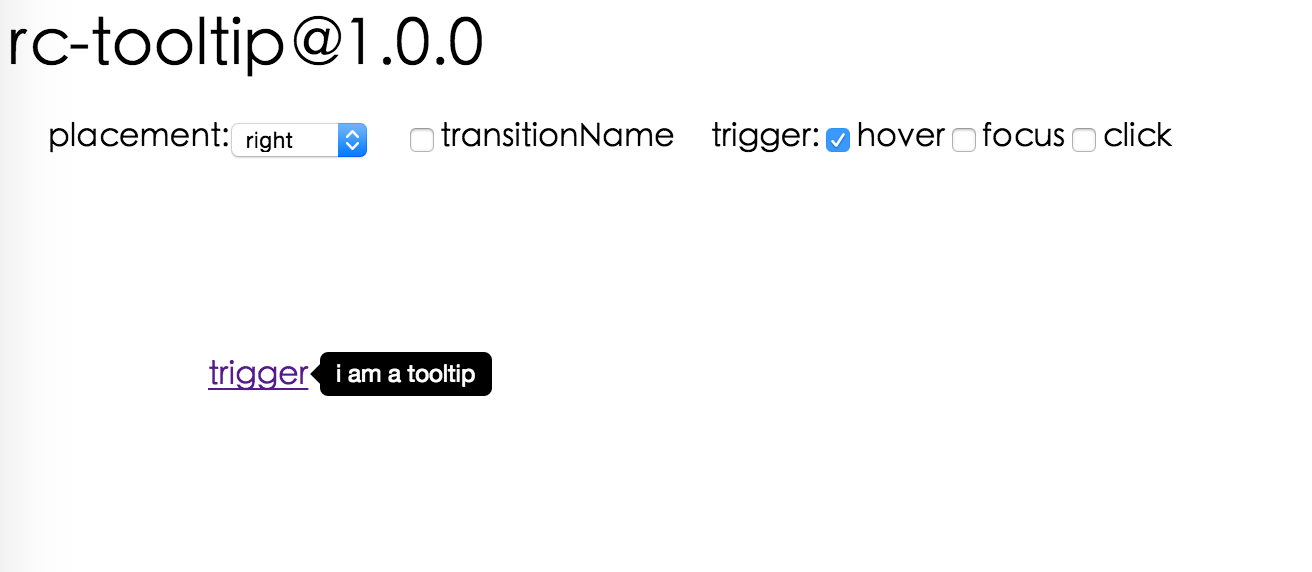 ## Browsers support
| [
## Browsers support
| [ ](http://godban.github.io/browsers-support-badges/)IE / Edge | [
 ](http://godban.github.io/browsers-support-badges/)Firefox | [
 ](http://godban.github.io/browsers-support-badges/)Chrome | [
 ](http://godban.github.io/browsers-support-badges/)Safari | [
 ](http://godban.github.io/browsers-support-badges/)Opera |
| --------- | --------- | --------- | --------- | --------- |
| IE 8 + ✔ | Firefox 31.0+ ✔ | Chrome 31.0+ ✔ | Safari 7.0+ ✔ | Opera 30.0+ ✔ |
## Install
[](https://npmjs.org/package/rc-tooltip)
## Usage
```js
var Tooltip = require('rc-tooltip');
var React = require('react');
var ReactDOM = require('react-dom');
// By default, the tooltip has no style.
// Consider importing the stylesheet it comes with:
// 'rc-tooltip/assets/bootstrap_white.css'
ReactDOM.render(
](http://godban.github.io/browsers-support-badges/)Opera |
| --------- | --------- | --------- | --------- | --------- |
| IE 8 + ✔ | Firefox 31.0+ ✔ | Chrome 31.0+ ✔ | Safari 7.0+ ✔ | Opera 30.0+ ✔ |
## Install
[](https://npmjs.org/package/rc-tooltip)
## Usage
```js
var Tooltip = require('rc-tooltip');
var React = require('react');
var ReactDOM = require('react-dom');
// By default, the tooltip has no style.
// Consider importing the stylesheet it comes with:
// 'rc-tooltip/assets/bootstrap_white.css'
ReactDOM.render(